
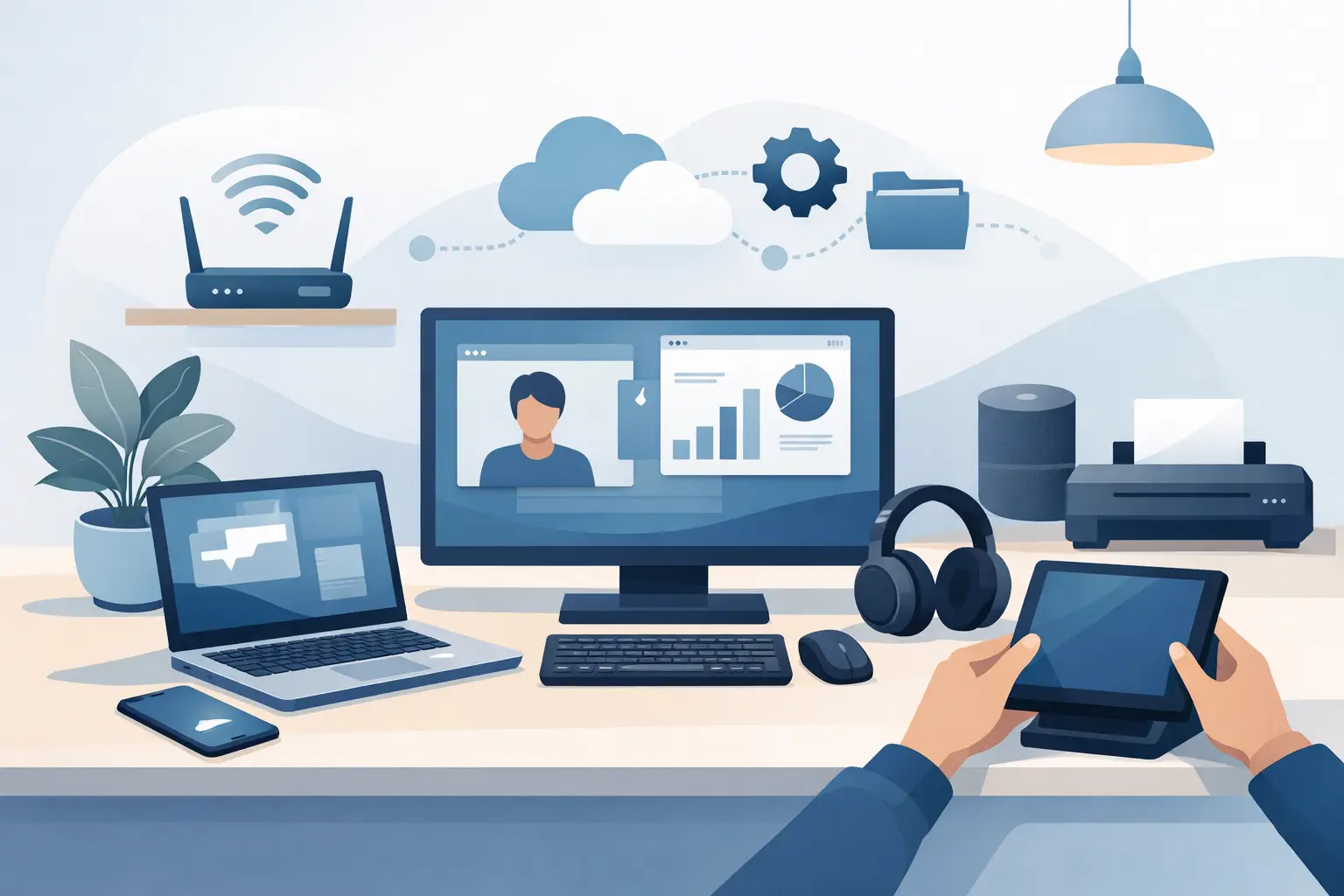
A home office usually looks fine right up until the first video call drops out, the printer goes offline, or the laptop starts crawling through simple tasks. That is why it pays to set up home office technology properly from the start. A few smart choices can save hours of frustration later, especially if your workday depends on stable internet, clear calls and reliable access to files.
For most people, the goal is not a perfect tech setup. It is a setup that works every day without constant fiddling. Whether you are working from home full-time, running a small business, or splitting your week between home and the office, the right technology should make your day easier, not add another list of problems to manage.
Start with the work you actually do
Before buying anything, think about your normal week. If most of your day is spent in email, documents and browser tabs, you may not need a high-powered machine. If you work with large spreadsheets, design software, bookkeeping platforms, video editing or multiple screens, the demands are different.
This is where many home office setups go wrong. People either overspend on gear they will barely use, or they try to work all day on a device that was fine for occasional browsing but struggles under business use. The best setup is the one that matches your workload, your space and your budget.
If you are unsure, start with the essentials: a dependable computer, stable internet, good audio for calls, safe file storage and a printer only if you genuinely need one. Everything else can be added later.
The core devices that matter most
Your computer is the centre of the whole setup, so reliability matters more than flashy specs. If your laptop takes forever to start, freezes during meetings or runs out of storage, it will affect every part of your day. For many home users and sole traders, a modern laptop with enough memory and solid-state storage is a sensible choice because it is fast, quiet and easy to move.
A desktop can still make sense if you work from one location every day and want better value for performance. It also gives you more flexibility for larger screens and easier upgrades. The trade-off is convenience. If you ever need to work elsewhere in the house, visit clients or keep going during internet or power issues, a laptop is usually more practical.
Screens are often underestimated. A second monitor can make a huge difference if you compare documents, use accounting software, respond to emails while on calls, or keep reference material open all day. It does not need to be extravagant. It just needs to be clear, comfortable and the right size for your desk.
Set up home office technology around your internet connection
If your internet is unreliable, the rest of your setup will never feel dependable. Slow speeds are only part of the issue. Dropouts, poor Wi-Fi coverage and router placement can cause just as many problems, particularly during video meetings or cloud backups.
Start with your modem or router location. If it is tucked in a cupboard, hidden behind furniture or sitting at one end of the house, your signal may be weaker than it should be. A more central position often improves things immediately. In some homes, especially larger or older ones, a Wi-Fi extender or mesh system may be the better answer.
Where possible, use a wired connection for the device that matters most. An ethernet cable is not glamorous, but it is often the easiest way to improve stability. That is especially useful for people who rely on video conferencing, cloud systems or remote access software throughout the day.
If several people are working or streaming at home, your internet plan may also be part of the problem. The cheapest option is not always the most affordable once lost productivity is taken into account.
Calls, meetings and sound quality
People will forgive the occasional imperfect camera angle. They are less forgiving when they cannot hear you clearly. Good audio has a bigger impact on professionalism than most home office users expect.
Built-in laptop microphones and speakers can be enough for casual use, but they are often poor in echoey rooms or busy households. A decent headset is usually the safest option if you are on calls regularly. It reduces background noise, makes your voice clearer and helps you stay focused.
A separate webcam can help if your laptop camera is grainy or awkwardly positioned, but it is not essential for everyone. Lighting often matters more. Sit facing a window or use a simple desk light so your face is visible. Small adjustments here can make meetings feel far more polished without much expense.
Printers, scanners and the bits that cause the most grief
Home office technology often runs smoothly until a printer enters the picture. Wireless printers can be convenient, but they are also one of the most common sources of frustration. Connection issues, driver problems, scanning errors and mystery offline messages are all familiar territory.
If you print only occasionally, keep it simple. Choose a printer that suits your actual volume and connect it properly to the devices you use most. If scanning is part of your workflow, test that function early rather than waiting until you are in a rush to send forms or invoices.
It also helps to decide whether everyone in the household needs printer access or only one main device. Shared setups can work well, but they need to be configured properly. Otherwise, the printer seems available right up until someone urgently needs it.
File storage, backup and keeping work safe
One of the fastest ways to lose time is to lose a file. One of the fastest ways to lose money is to lose many. A proper backup plan is not overkill for a home office. It is basic protection.
Cloud storage is a practical option for many people because it gives you access to files across devices and adds some protection if a computer fails. But cloud-only is not always enough. If you accidentally delete the wrong folder, get locked out of an account or run into syncing issues, recovery can be messy.
A better approach is to use both cloud storage and a separate backup, such as an external drive. That way you have options. The exact setup depends on how critical your files are, how often they change and how confident you are managing recovery if something goes wrong.
Security matters too. Use strong passwords, turn on multi-factor authentication where available, and keep software updated. Most people do not need enterprise-grade systems at home, but they do need sensible protection.
Don’t ignore ergonomics and power
Technology setup is not only about devices and software. If your chair is uncomfortable, your screen is too low and your power board is overloaded, you will notice by the end of the week.
Place your screen at a comfortable height, keep your keyboard and mouse easy to reach, and make sure charging cables and power leads are tidy and safe. A simple surge protector is worth having, especially if you rely on valuable equipment. If power interruptions are common in your area, battery backup may also be worth considering for critical devices.
These details may seem minor, but they affect how usable your office feels every day. Good setup reduces friction. Poor setup creates constant little annoyances that chip away at productivity.
When to get help setting up home office technology
Some people enjoy sorting out every cable, setting and software option themselves. Others just want it done properly so they can get on with work. Both approaches are reasonable.
If your setup involves multiple devices, email accounts, printers, patchy Wi-Fi or file transfers from an older computer, professional help can save a lot of time. It can also prevent the common half-working setup where everything appears fine until something important breaks. That is often the most expensive kind of problem because it interrupts work at the worst moment.
For home users and small business owners around Wellington, Hutt Valley and Porirua, having someone come to you or fix issues remotely is often the easiest option. It keeps downtime lower and avoids the hassle of unplugging everything and taking it to a shop. At Tech Experts, that practical, local support is exactly what many customers need when they want a home office running properly without turning it into a weekend project.
Aim for reliable, not complicated
The best home office technology setup is rarely the most elaborate one. It is the one that starts quickly, stays connected, supports your work and does not demand attention every five minutes. That might mean a basic laptop and one monitor for one person, or a more structured setup with backup, better Wi-Fi and shared devices for a growing business.
If you are setting up from scratch, take it one decision at a time and build around the way you actually work. A simple system that is reliable every day will beat a fancy one that constantly needs fixing.