
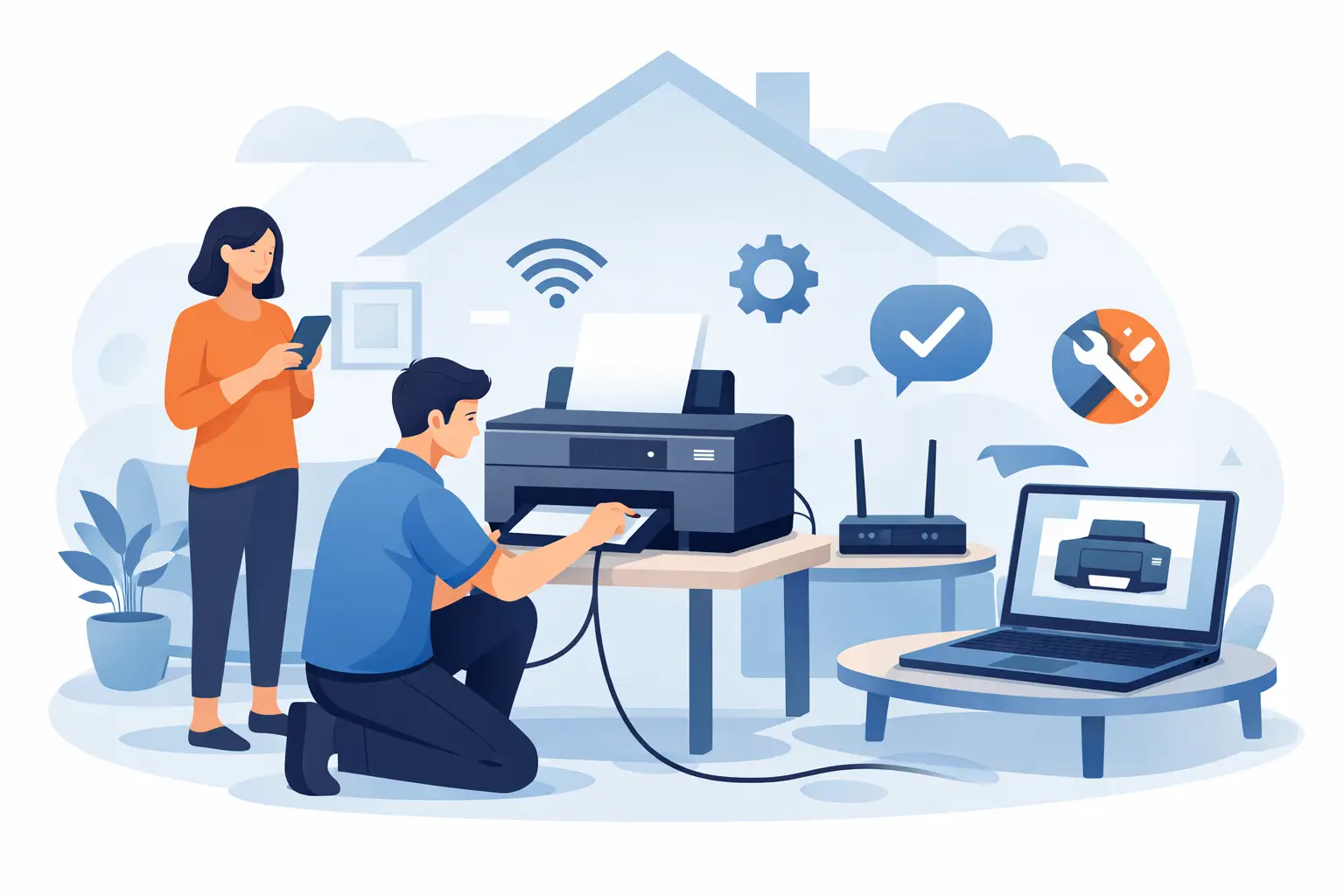
A printer usually becomes urgent at the worst possible moment – right before an invoice needs printing, a school form has to be signed, or a shipping label is due in the next hour. That is exactly why a printer setup service at home appeals to so many households and small businesses. Instead of unplugging cables, carrying equipment to a shop, and hoping for a quick turnaround, you get practical help where the printer is actually being used.
For many people, printer setup sounds simple until it is not. The device powers on, but it will not connect to Wi-Fi. The laptop can see it, but the mobile cannot. Printing works, yet scanning does not. Or the printer was connected once and then vanished after a modem change, software update, or password reset. These are everyday issues, and they are usually fixable. The value of in-home support is not just technical know-how. It is speed, convenience, and getting the whole setup working properly in your real environment.
Why choose a printer setup service at home?
The biggest advantage is context. A printer does not operate on its own. It relies on your internet connection, your modem, your computer, your mobile, your email setup, and sometimes your office software or cloud storage as well. If one part of that chain is misconfigured, the printer may behave unpredictably.
When support happens at home or in your workplace, the technician can see the full picture. They can check whether the printer is too far from the router, whether the Wi-Fi band is causing connection trouble, whether the correct driver is installed, and whether all the devices that need access are talking to the same network. That is very different from a bench test in a shop where the printer may work perfectly on someone else’s setup and still fail when you bring it back.
There is also the practical side. Printers can be bulky, awkward to move, and not always worth transporting across town. If you work from home, run a small business, or simply do not want the hassle, on-site help reduces downtime. That matters when the printer is part of your workday rather than an occasional extra.
What a home printer setup should actually include
A proper setup is more than plugging in the power and printing a test page. The goal is to make the printer reliable for daily use.
That usually starts with physical installation. The printer needs to be unpacked correctly, supplied with ink or toner, loaded with paper, and placed somewhere sensible. Placement sounds minor, but it can affect wireless performance, convenience, and even print quality if the machine is tucked into a hot or dusty corner.
The next step is network connection. For some homes and small offices, USB is still the simplest option. For most people, though, Wi-Fi is the better fit because it allows printing from multiple devices. This is where problems often begin. Password errors, outdated router settings, guest networks, and weak signal strength can all get in the way.
After that comes software and device setup. A technician should connect the printer to the computers and mobiles that actually need it, install the right drivers or apps, and check functions such as scanning, wireless printing, and document feeding if the model supports them. There is no point having a printer technically installed if half your devices still cannot use it.
Common problems a technician can sort on the spot
One of the most common issues is driver confusion. Many people assume the printer driver will install automatically and work across all devices. Sometimes it does. Sometimes the computer picks a generic driver that allows basic printing but disables scanning, duplex options, or paper tray settings. A printer can appear functional while still being only partly set up.
Wireless issues are just as common. Some printers struggle with modem changes, password updates, or mesh Wi-Fi systems. Others connect happily to one laptop but refuse to show up on another device in the same house. In small businesses, shared printing can be especially frustrating if one workstation sees the printer and another does not.
Scanning is another sticking point. Plenty of people can print but cannot scan to email, scan to a folder, or save clear PDFs from a multi-function machine. The scanner may need software, permissions, or folder settings that are not obvious to a regular user.
Then there is mobile printing. It sounds convenient because it is convenient when it works. But if the app is not installed correctly, the printer is on the wrong network, or the mobile is using mobile data instead of local Wi-Fi, jobs may never reach the printer. Having someone set this up properly saves a lot of trial and error.
Printer setup service at home for remote workers and small business
For remote workers, a reliable printer is often tied to productivity. You may need to print contracts, courier labels, reports, tax paperwork, or signed forms without interrupting your day. If your printer keeps dropping offline, every small task turns into wasted time.
Small business owners usually need something slightly different from a basic home setup. They may need multiple users connected, scanning workflows sorted, email compatibility checked, and a dependable layout that supports regular use. A cheap setup that works for one person printing a recipe is not always enough for a sole trader handling customer documents every day.
That is where local, appointment-based support makes sense. Instead of spending hours on hold with a manufacturer or guessing your way through online forums, you get direct help with the actual setup you rely on. For customers in Wellington, Hutt Valley, and Porirua, that local support model is often the fastest way back to normal operation.
When DIY setup makes sense – and when it does not
Some printer setups are straightforward. If you have a brand-new printer, a stable Wi-Fi connection, one laptop, and a little patience, you may be able to get it running yourself. Many manufacturers have improved their setup apps, and basic home use does not always need hands-on support.
But there are trade-offs. DIY setup can become time-consuming if anything unexpected happens. The printer might need a firmware update before it connects. The modem may block device discovery. Your antivirus settings may interfere with scanning. If you are not comfortable troubleshooting network or software issues, what should take 20 minutes can stretch into an entire afternoon.
Home support is usually the better option when the setup involves multiple devices, business use, scanning functions, unreliable Wi-Fi, or a printer that has already failed to install once. It is also a good fit if you simply want the job done properly the first time.
What to expect from a good local service
A dependable service should focus on outcomes, not jargon. That means asking what you need the printer to do, not just what model it is. Do you print from one desktop or from three laptops and two mobiles? Do you need colour output, scanning, labels, or double-sided printing? Is this for occasional home use or regular business admin?
From there, the support should be practical. The technician should test the print function, confirm scanning works if relevant, connect the necessary devices, and explain anything you need to know in plain English. If there is a limitation with the printer itself, that should be explained clearly as well. Sometimes the issue is setup. Other times the machine is simply not well suited to the way you want to use it.
That honesty matters. Not every problem has a magic fix, especially with older printers or very low-cost models. A good technician will tell you whether repair or setup is worthwhile, and when replacement may be the more cost-effective option.
The real benefit is less disruption
People rarely book printer help because they love printers. They book it because they need things working without the usual hassle. That is the real value of an in-home setup service. It removes the friction, shortens the downtime, and gives you confidence that printing and scanning will work when needed.
For households, that might mean less stress around school paperwork or home admin. For remote workers and small businesses, it can mean fewer interruptions and a more reliable day. Tech Experts sees this every day – the issue is often not the printer alone, but the mix of device settings, network quirks, and time pressure around it.
If your printer is still in the box, keeps dropping off the network, or only works when it feels like it, getting help at home is often the simplest path forward. A working printer should feel ordinary, and that is exactly the point.