
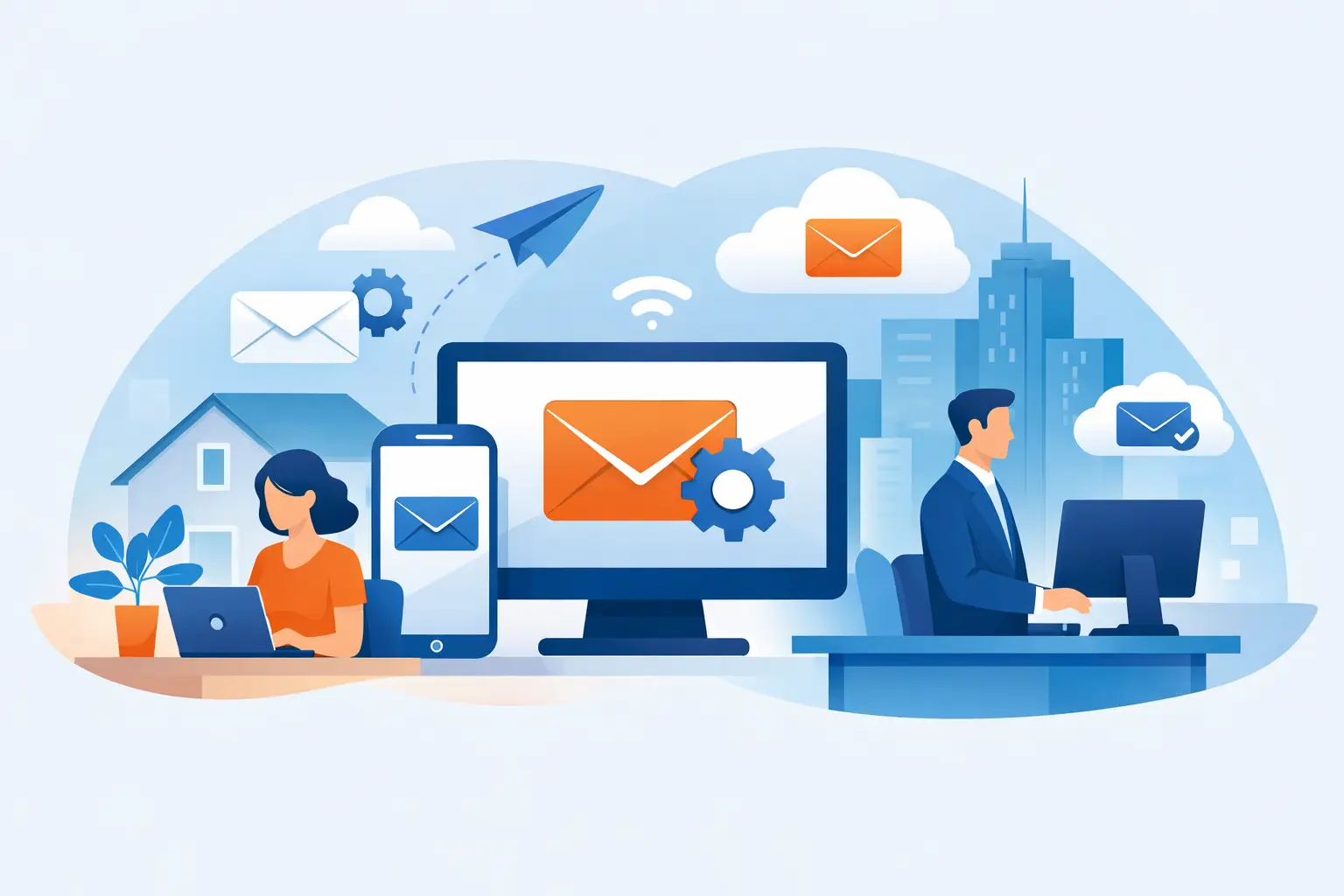
A new email account should take minutes to set up. In real life, it often turns into password resets, error messages, missing mail and one device that works while the others refuse. If you need email setup help, the goal is not just getting signed in once. It is making sure your email works properly across the devices and apps you rely on every day.
For home users, that might mean getting personal email back on a laptop and mobile after buying a new device. For a small business, it can mean restoring access quickly so quotes, bookings and customer enquiries do not sit unanswered. Either way, email problems waste time fast, and they are rarely as simple as they first appear.
What email setup help usually involves
Email setup can sound straightforward because the app asks for an address and password, then promises to do the rest. Sometimes it does. Sometimes it guesses the wrong settings, connects to an old mailbox, or syncs only part of your mail. That is where proper email setup help makes a difference.
The first step is identifying what type of email account you have. A Gmail address, an Outlook account, a provider-issued address through your internet company, and a business email linked to a domain all behave differently. The setup process also changes depending on whether you are using Apple Mail, Outlook, the Gmail app, a Samsung mail app or a browser-based mailbox.
Then there is the question of where you want email to work. Many people assume once it is fixed on one device, the rest will follow. Usually they will not. Each laptop, tablet and mobile may need its own setup, authentication approval and sync check.
Why email setup goes wrong
Most email issues come back to a small number of causes, but they can look very different on the surface. A wrong password is the obvious one, although even that is not always simple. You might be entering the correct password but getting blocked by two-step verification, account security settings or an old saved password on the device.
Server settings are another common problem, especially with older ISP-based email accounts or business email accounts that were originally set up years ago. Incoming and outgoing mail settings, SSL requirements, port numbers and authentication rules need to match exactly. If one setting is off, you may be able to receive email but not send it, or the account may connect briefly and then fail.
There is also the issue of account type. POP and IMAP still confuse plenty of people, and for good reason. POP can download email to one device and remove it from the server depending on the configuration, while IMAP keeps mail synced across devices. If someone has switched devices over time without a clear setup plan, they can end up with mail scattered across different machines.
Business users often run into extra layers. Microsoft 365, Google Workspace, custom domains and shared mailboxes can all add complexity. The account may need administrator permissions, DNS records may need checking, or the problem may not sit with the device at all.
Email setup help on phones, tablets and computers
Different devices fail in different ways. On a Windows laptop, the issue might be Outlook asking for credentials repeatedly or a mail profile that has become corrupted. On a Mac, the account may appear connected but stop refreshing. On an iPhone or Android mobile, notifications may stop, sent items may disappear, or the app may keep reverting to an old password.
That is why good setup support looks at the whole picture, not just one screen. If email is set up on your mobile but not your laptop, you need to know whether the account itself is healthy or whether the problem is isolated to one app. If nothing works anywhere, the issue may be with the provider, login security or account recovery.
It also matters how you use email day to day. Some people are happy checking email in a browser. Others need a proper desktop app with folders, calendars, attachments and contact syncing. There is no single best setup for everyone. The right option depends on how much you move between devices, whether you share access with staff, and how much local storage you want on the machine.
When DIY works and when it becomes a time sink
There are plenty of cases where setting up an email account yourself is perfectly reasonable. If you have a common email provider, your password is known, your security settings are current and you are using the default app, it may only take a few minutes.
The problem is that once something does not behave as expected, you can lose an hour very quickly. One change leads to another. You reset the password, then discover the recovery mobile is out of date. You add the account again, then realise old mail has not synced. You remove the profile, then find local folders have vanished. For business users, this can move from annoying to expensive by the end of the morning.
That is where practical support saves time. Rather than trying random fixes, the setup gets checked methodically. The account type is confirmed, the login method is verified, the correct app is chosen, and each device is tested properly. It is a more reliable way to prevent the same issue returning next week.
Email setup help for small business users
For a small business, email is more than just communication. It is often tied to invoicing, website enquiries, booking systems, supplier updates and customer trust. If messages bounce, land in spam, or stop sending altogether, the impact shows up quickly.
Business email setup often involves more than one person and more than one device. A sole trader may need email working on a laptop, office desktop and mobile. A small team may need shared mailboxes, aliases or access to a generic address like accounts or info. In those situations, speed matters, but so does getting it right.
There are also security trade-offs to consider. Convenience is important, but business email should not be set up in a way that weakens account protection. Saving passwords everywhere, turning off security prompts or forwarding mail between old and new accounts can create bigger problems later. Good setup balances ease of use with sensible security.
If you have changed internet providers, moved to a new laptop, upgraded a phone or shifted from an old email platform to Microsoft 365 or Google Workspace, that balance becomes even more important. Migration and setup are possible without major disruption, but they need a careful hand.
What to expect from proper setup support
Effective support should leave you with more than a working inbox. You should know which app you are using, which password belongs to which account, and whether your mail is syncing the way you expect. If you have multiple devices, all of them should be checked. If your sent mail is missing, junk filtering is acting strangely or folders are not appearing, those issues should be sorted as part of the same job rather than left for later.
It also helps when support is delivered in the way that suits the problem. Some email issues can be resolved remotely quite quickly, especially if the account holder can approve logins and account changes during the session. Other situations are easier in person, particularly when there are several devices involved, passwords are unclear, or the setup forms part of a wider office or home tech problem.
For customers across Wellington, Hutt Valley and Porirua, that convenience matters. Instead of unplugging devices and taking them to a shop, support can happen where the problem actually exists, whether that is at home, in a small office or through a secure remote session.
A few signs you should get help sooner
If email works on one device but not another, if you can receive but not send, if old mail is missing, or if password prompts keep returning, it is usually worth getting it checked before the issue spreads. The same goes for new device setups, staff changes, domain-based email and accounts tied to important business records.
The longer an email problem sits, the messier it can get. Duplicate accounts are added, messages end up in different places, and no one is fully sure which setup is the correct one anymore. Fixing it early is usually cheaper, faster and less stressful.
Email should feel boring. That is a good thing. When it is set up properly, it simply works in the background while you get on with your day. If yours is not there yet, the right help can turn a frustrating half-solved setup into something reliable enough to stop thinking about.